
Download Windows Essentials Codec Pack – codec pack, media player, video playback, audio codecs, Windows
Overview
The Windows Essentials Codec Pack is a utility designed to expand the media playback capabilities of Windows systems. Its primary purpose is to enable users to play a wide variety of audio and video formats without relying on third-party media players or manual codec installations. This tool addresses a common frustration among users who encounter unplayable files after downloading content from the internet. By supporting up to 99% of online video content, it significantly reduces playback barriers for both casual users and multimedia enthusiasts.
Target users include individuals who frequently download videos, stream content, or manage personal media libraries. The app is particularly useful for those who use older or default Windows media players that lack native support for modern codecs. Although the developer did not provide additional technical details, Microsoft’s involvement suggests a focus on reliability and integration with the Windows ecosystem. Real-world use cases include watching downloaded movies in MKV or AVI formats, listening to high-resolution FLAC audio files, and ensuring compatibility with content from diverse online sources.
Within the broader app ecosystem, the Windows Essentials Codec Pack serves as a foundational tool for media accessibility. Its inclusion of Media Player Classic further enhances its utility by providing a lightweight playback solution. Despite its age, the tool remains relevant for users seeking a straightforward way to improve their media experience on Windows without installing complex software.
Key Features & Functionality
- Wide Format Support: The codec pack supports a broad range of audio and video formats, including MP4, AVI, MKV, FLAC, AAC, DTS, and h.264. This ensures compatibility with most media files encountered online, eliminating the need for additional software.
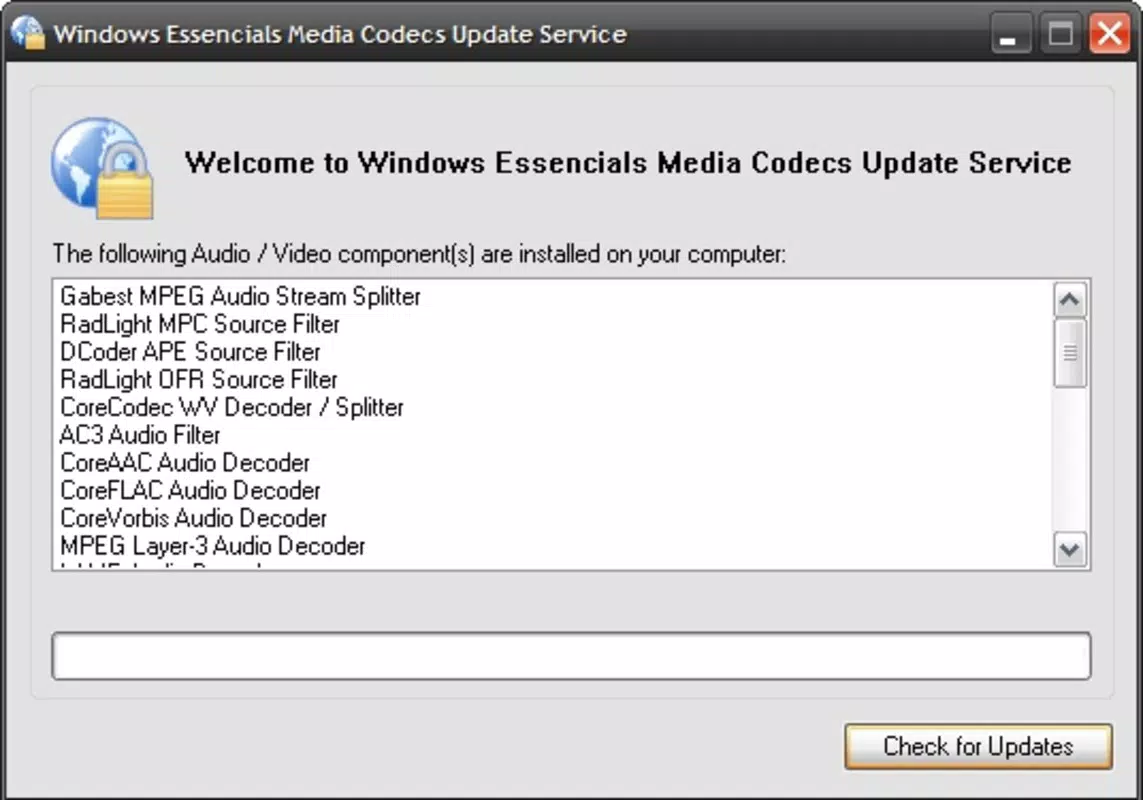
- Automatic Updates: The pack is designed to update itself automatically, maintaining compatibility with emerging media formats and improving long-term usability without user intervention.
- Media Player Classic Included: A lightweight and versatile media player is bundled with the pack, allowing direct playback of supported files without requiring separate installation.
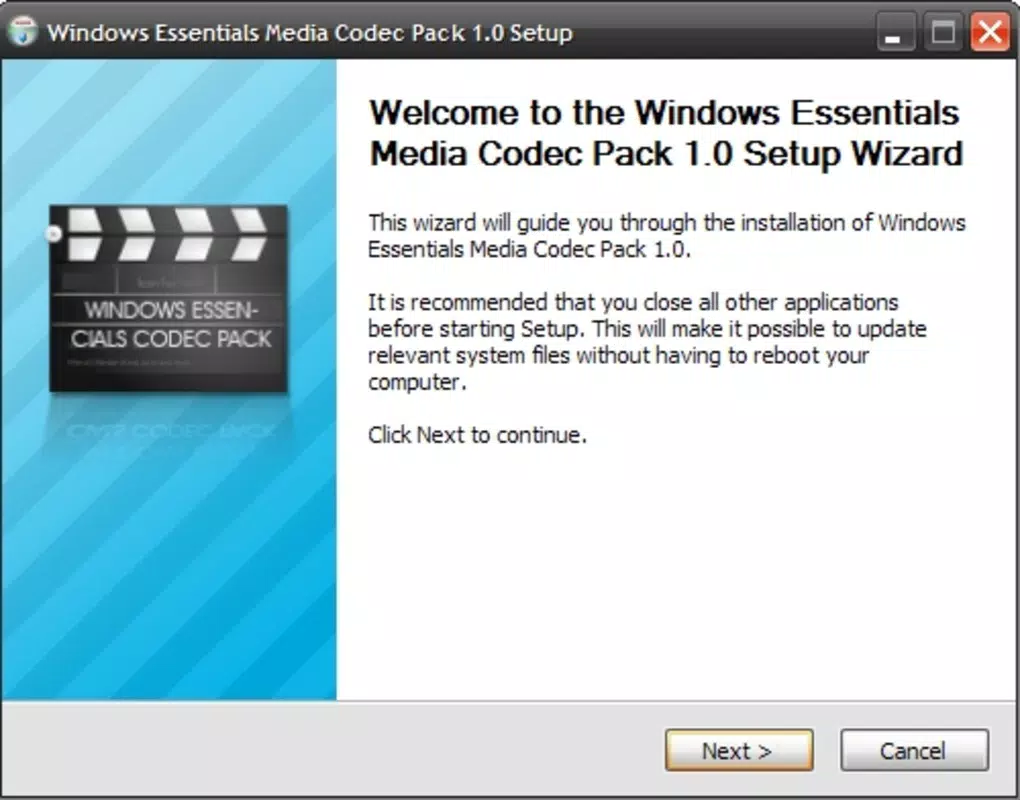
- User-Friendly Installation: The setup process is straightforward, enabling users to quickly activate playback support with minimal technical knowledge.
- Enhanced Audio and Video Quality: Proper codec integration ensures optimal playback fidelity, delivering clearer visuals and richer sound for supported media files.
For example, a user downloading a high-definition movie in MKV format with DTS audio can play it seamlessly without conversion. Similarly, someone listening to a FLAC music album will experience high-fidelity audio thanks to proper codec decoding. These features collectively enhance the user’s media consumption experience by reducing technical friction and ensuring consistent playback across diverse file types.
Interface, UX & Performance
The Windows Essentials Codec Pack operates primarily in the background, with minimal direct user interface. Its functionality is activated during media playback, relying on system-level integration rather than a standalone app window. As such, users interact with it indirectly through their default media player or the included Media Player Classic.
Navigation is not applicable in the traditional sense, as the tool does not feature a dashboard or settings menu. Instead, it functions as a system-level utility. The user experience is streamlined, focusing on transparency and simplicity. Installation is described as user-friendly, suggesting a smooth onboarding process for both novice and experienced users.
Although the developer did not list formal performance metrics, the tool is designed to be lightweight and efficient. It consumes minimal system resources, ensuring that playback remains smooth even on older hardware. Responsiveness is expected to be high, given the direct integration with Windows media frameworks. Stability is likely maintained through Microsoft’s development standards, though no specific testing data was provided.
Platform Compatibility & Technical Requirements
The Windows Essentials Codec Pack is designed for the Windows platform and was released on June 18, 2012. The file size is 48.5 MB, making it a compact download suitable for systems with limited storage. The software is available at no cost, aligning with its role as a free utility.
Compatibility information was not fully disclosed. The developer did not specify minimum OS requirements, nor did they list supported Windows versions beyond general platform availability. Users should exercise caution when installing on newer Windows systems, as the tool may not be optimized for recent updates or security protocols. Although it was originally intended for older Windows editions, it may still function on modern systems with appropriate compatibility settings.
Pros and Cons
- Supports a vast array of audio and video formats
- Includes Media Player Classic for immediate playback
- Automatic updates ensure ongoing compatibility
- Lightweight and efficient resource usage
- Free to download and use
- Released in 2012; may lack support for very recent media formats
- Does not support Real Player or QuickTime formats
- No official updates since release
- Minimal user interface; limited customization options
- Compatibility with modern Windows versions is uncertain
FAQ
Is Windows Essentials Codec Pack safe to install?
Yes, the codec pack was developed by Microsoft and distributed through official channels. It is considered secure for use on Windows systems, though users should ensure they download it from trusted sources.
Can I use this codec pack on Windows 10 or Windows 11?
While the tool was released in 2012, it may still function on newer Windows versions. However, compatibility is not guaranteed, and users should test it carefully. Running it in compatibility mode may help.
Does the codec pack include support for MP4 and MKV files?
Yes, the pack supports MP4, MKV, AVI, and other common video formats, making it suitable for most downloaded media files.
Is the installation process difficult?
No. The installation is described as straightforward and user-friendly, requiring minimal technical knowledge.
Are there regular updates to the codec pack?
The tool is designed to update automatically, though no official updates have been released since its initial launch in 2012.
Final Thoughts
The Windows Essentials Codec Pack remains a valuable tool for users seeking to expand their media playback capabilities on Windows. Despite its age, its broad format support and inclusion of Media Player Classic offer lasting utility. While modern alternatives exist, this pack provides a reliable, free solution for playing diverse media files without conversion.
It is best suited for users who manage legacy media collections or prefer a simple, no-frills approach to playback. Its lightweight nature and automatic update feature contribute to a hassle-free experience. However, users on newer systems should verify compatibility before installation.
For anyone looking to enhance their Windows media experience with minimal effort, this codec pack delivers solid value. Download Windows Essentials Codec Pack now.


